Wayfinder
Cmd+K command palette for Moodle. Like Spotlight, VS Code palette, or Alfred — but inside Moodle.
What It Does
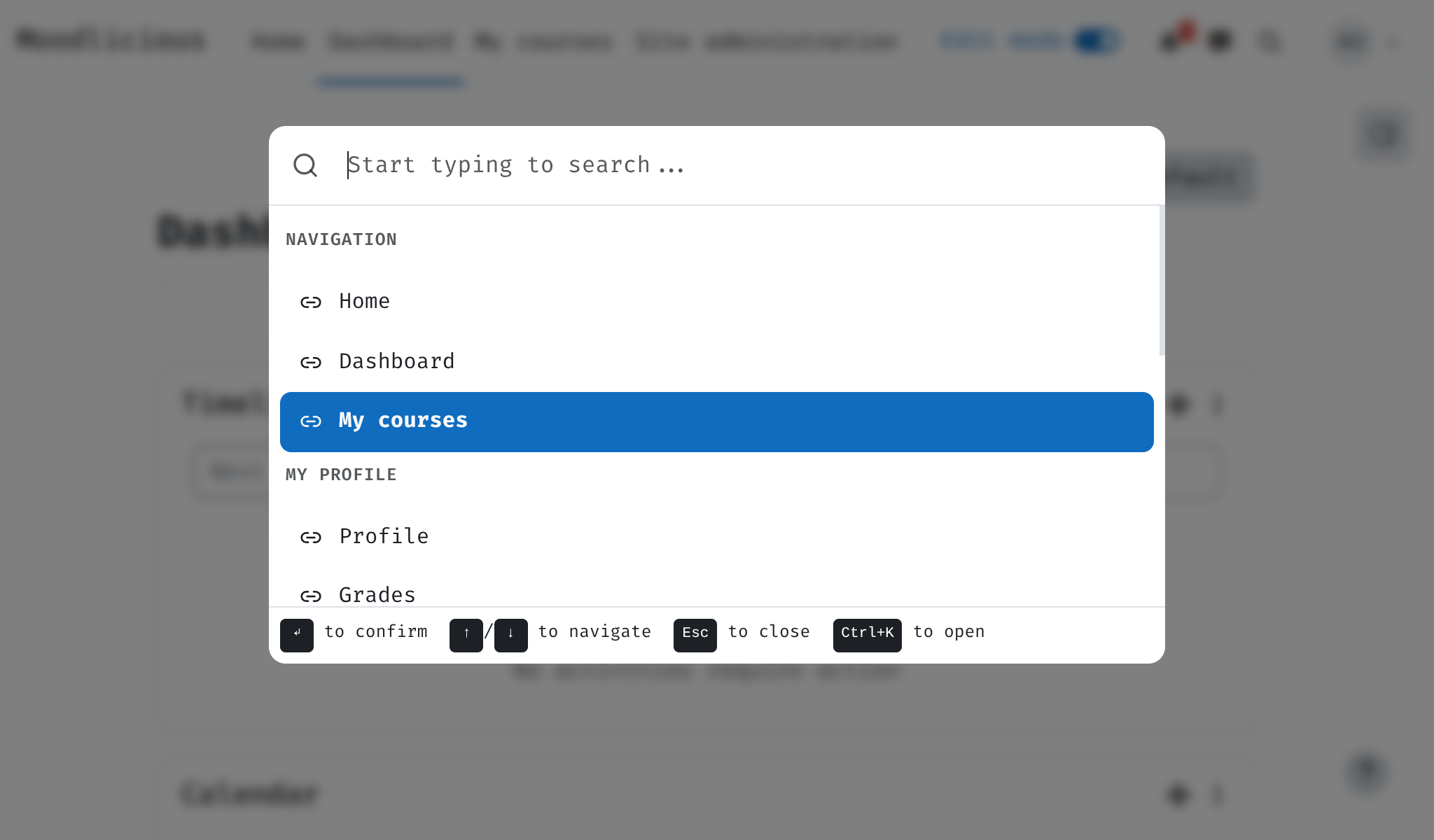
Press Ctrl+K (or Cmd+K on Mac). A search dialog opens. Type to find anything: courses, admin pages, user profile, navigation links. Select to go there. Also: purge caches, switch language, browse admin tree — all from one palette.
Pages
| Page | Description |
|---|---|
| Installation | Requirements and setup |
| Usage | Hotkeys, search, built-in commands |
| Architecture | How it works: items, actions, React |
| Extending | Add new commands, groups, actions |
| Development | Build JS, SCSS, tests, CI |